
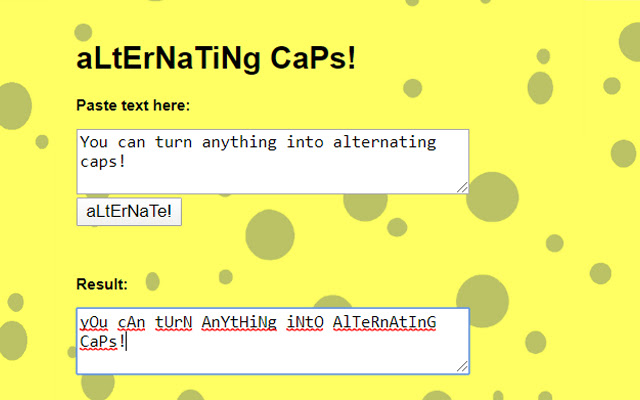
Alternating case, also known as “spongebob case” or “mocking text,” is a writing style where the case of each letter alternates between uppercase and lowercase. Here are some methods to convert your blog content to alternating case:
- Use an online converter tool: There are several online tools available that can automatically convert your text to alternating case. You can copy and paste your blog content into one of these tools and then use the resulting text in your blog. Examples of such tools include alternatingcase.com, alternatetextgenerator.com, and textmechanic.com.
- Use a text editor: If you’re using a text editor to write your blog post, you can manually alternate the case of each letter by pressing the Shift key for uppercase and releasing it for lowercase. This can be time-consuming, especially for long posts, but it gives you more control over the final result.
- Use a script or plugin: Some CMS platforms like WordPress have plugins available that can automatically convert your text to alternating case. Alternatively, you can use a script or program to perform the conversion. However, this requires some technical knowledge and is not recommended unless you have experience with programming.
Remember that alternating case can be difficult to read and may not be suitable for all types of blog content. It’s best used sparingly and for emphasis rather than as the primary writing style.