
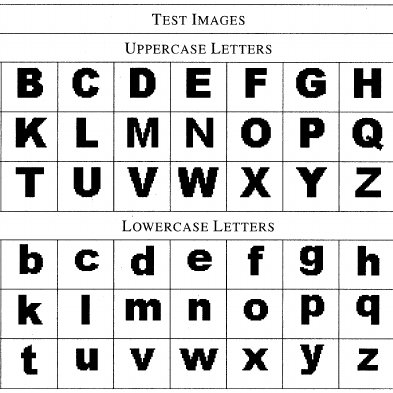
Sure, I can help you with that. Here’s a basic guide on how to convert text to upper case.
Upper case is a style where all the letters in a sentence are capitalized.
- Microsoft Word: To convert text to upper case in Microsoft Word, select the text you want to change, then press “Shift+F3” on your keyboard. This will cycle through different capitalization options, including all caps.
- Google Docs: To convert text to upper case in Google Docs, select the text you want to change, then go to the “Format” menu and select “Capitalization.” From there, select “UPPERCASE” and the text will be converted accordingly.
- Online tools: There are also many online tools available for converting text to upper case. One popular tool is Convert Case, which allows you to paste in your text and select “UPPERCASE” from the options.
- Programming languages: If you’re working with text in a programming language, you can use code to convert the text to upper case. For example, in JavaScript, you can use the “toUpperCase” method:
- In conclusion, converting text to upper case is a simple process that can be done in a variety of ways, from using keyboard shortcuts in Microsoft Word and Google Docs to using online tools or programming languages. Choose the method that works best for you based on your specific needs and preferences.